In this section, User settings can be modified, depending on the preferences of each user.
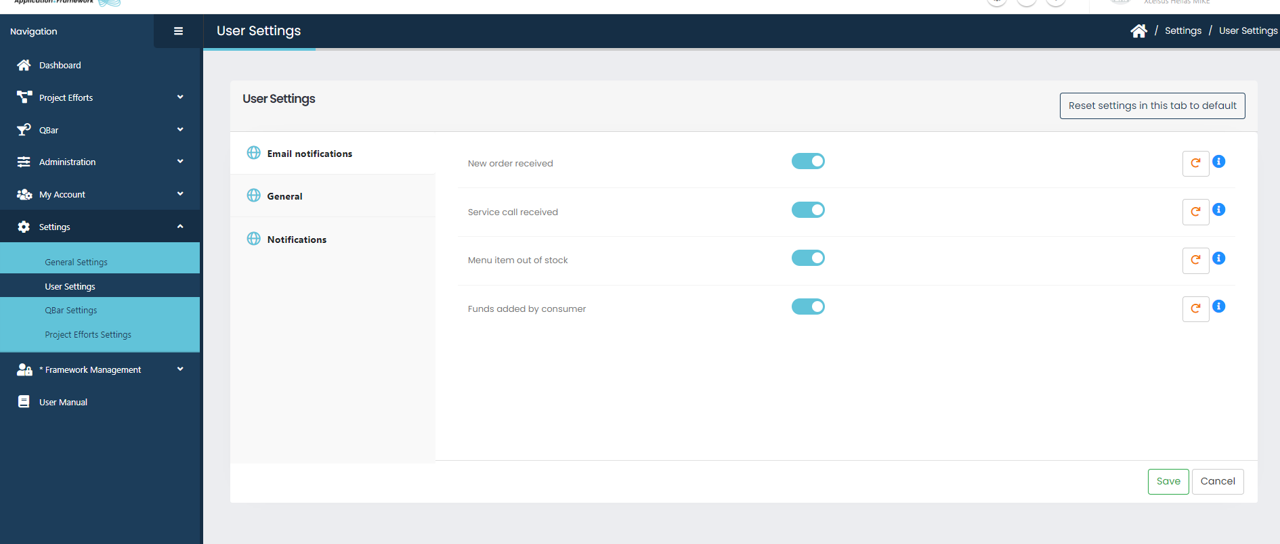

You can choose, whether you wish to receive email notifications, or not, about
- New orders received
- Service calls received
- Menu Item out of stock
- Funds added by consumer
by activating or deactivating the blue toggle.
Do not forget to click the “Save” button after you are done with the changes you want to make.

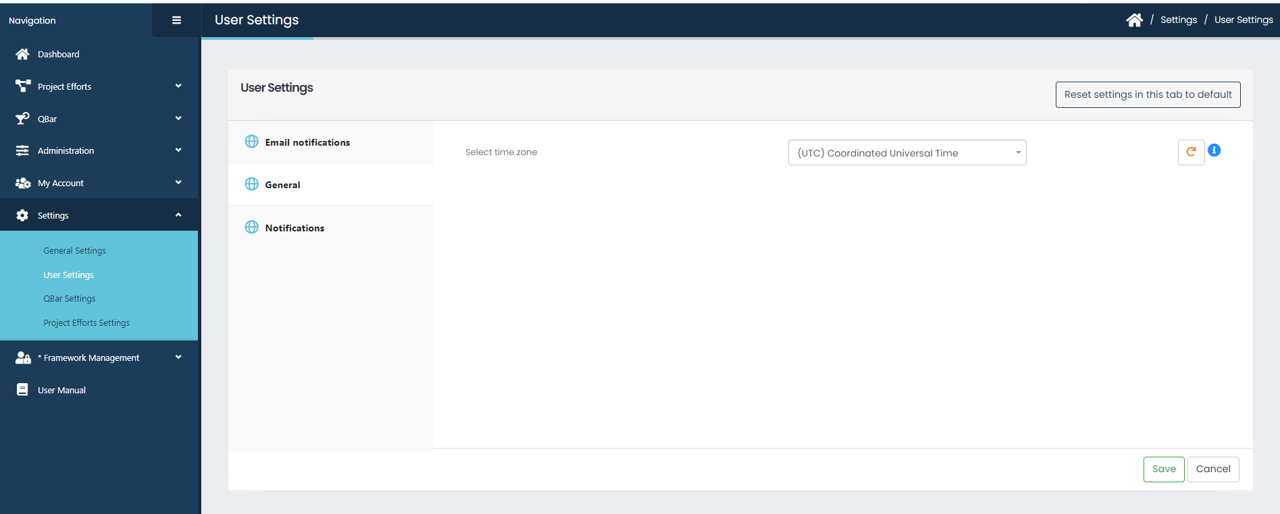
In General user settings, you can select the proper time zone for you from the dropdown option.

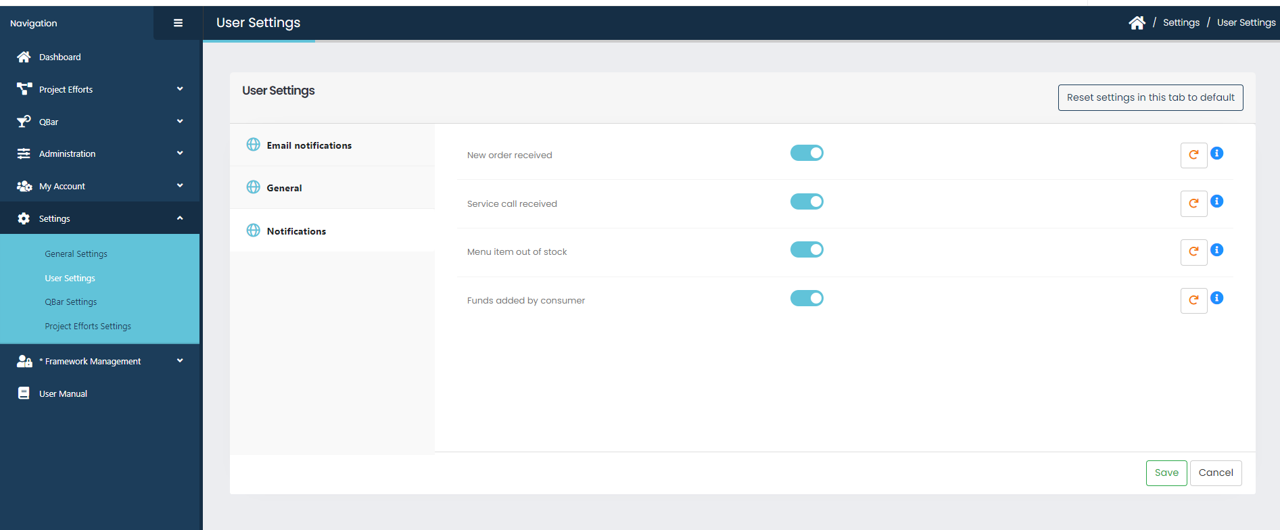
Same as before you can choose, whether you wish to receive notifications (bell icon right up on toolbar), or not, about
- New orders received
- Service calls received
- Menu Item out of stock
- Funds added by consumer
by activating or disabling the blue toggle.
Do not forget to click the “Save” button after you are done with the changes you want to make.
You can also reset your settings back to system default by clicking the button by clicking the button at the top right corner “Reset settings in this tab to default”