Managing Subscriptions
The Manage Subscriptions page provides an overview of all active and available subscriptions associated with the user’s account. This page can be accessed by navigating to My Account and selecting Manage Subscriptions from the submenu.
All subscriptions are displayed in a table format under the My Subscriptions section. Each row represents a specific application or module and includes detailed information such as the application edition, subscription start date, subscription end date, and subscription status. If a subscription has been canceled, the cancellation date is shown in the corresponding column.
Pricing details are also displayed for each subscription, including the net price, VAT rate, and gross price. This allows users to clearly understand the cost breakdown for each service. Subscriptions that are free or included as part of a bundle are shown with a price of zero.
The Auto Renew column indicates whether automatic renewal is enabled for a subscription. A red icon indicates that auto-renewal is disabled. Users can review this information to ensure their subscriptions align with their billing preferences. Pagination and search controls are available to help users quickly locate specific subscriptions when managing larger accounts.
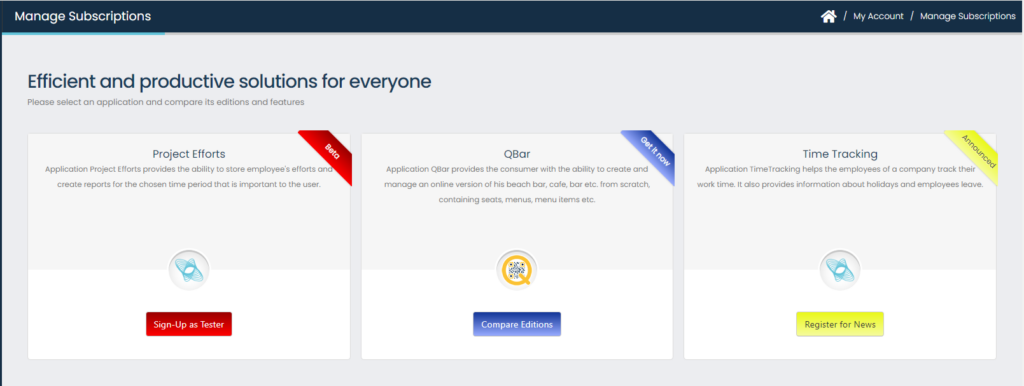
By clicking the “Add” button you can see an overview of the available applications and the possibilities to subscribe, sign up as a beta tester or simply express your interest in receiving information about them, according to the development status of each application.