Viewing and Managing Invoices
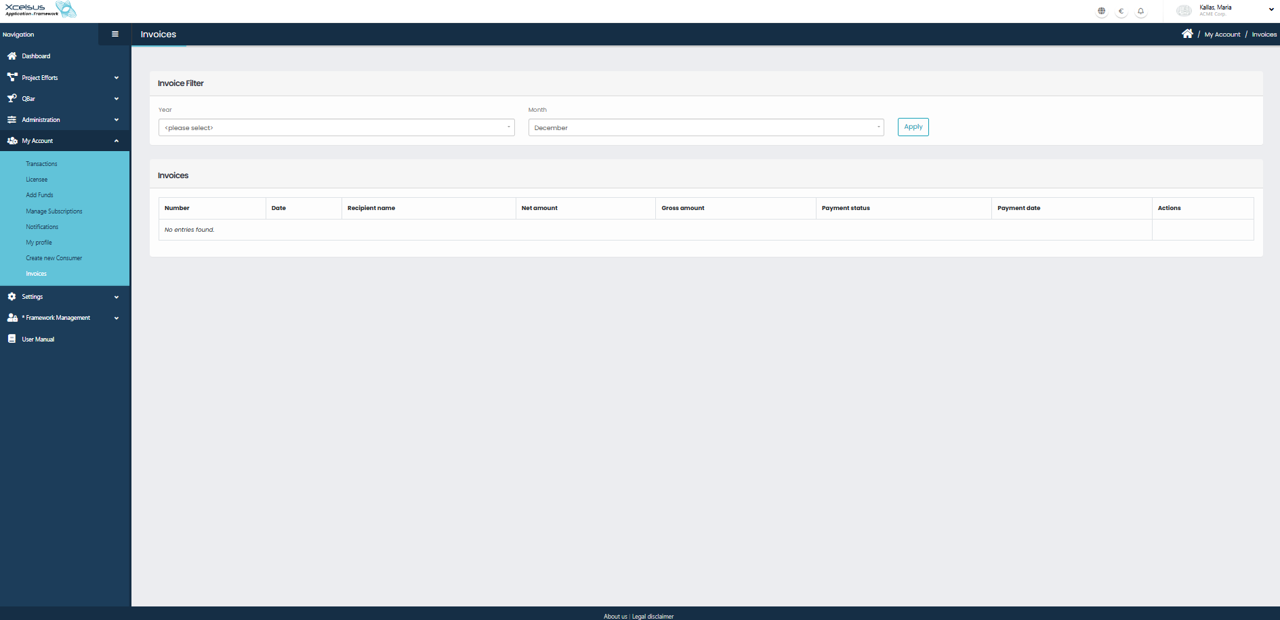
To view invoices, navigate to My Account from the left-hand menu and select Invoices. This opens the Invoices page, where all generated invoices for the account are displayed.
At the top of the page, you can filter invoices using the Invoice Filter section. Select a Year and Month, then click Apply to display invoices that match the selected criteria. This helps narrow down results when working with a large number of invoices.
Below the filter, the invoices table displays key information for each invoice, including the Invoice Number, Date, Recipient Name, Net Amount, Gross Amount, Payment Status, and Payment Date. The Actions column provides access to available actions for each invoice, such as viewing or downloading invoice details when applicable.
If no invoices match the selected filters, a message indicating that no entries were found will be displayed. This page allows users to easily track billing history, monitor payment status, and manage financial records associated with their account.