29 views 0 23. June 2024
This page is meant to be used by an administrator so that he can charge or discard workhours for employees.
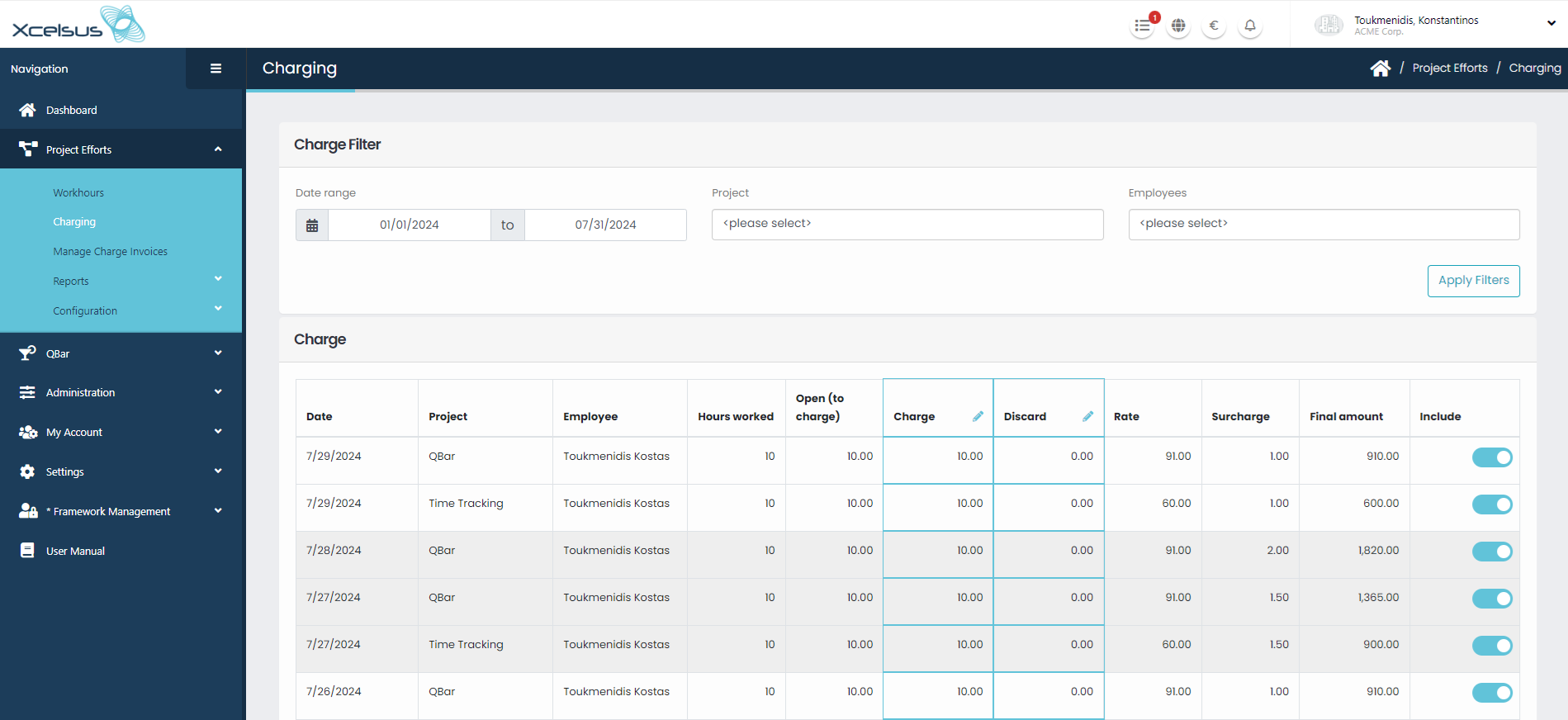
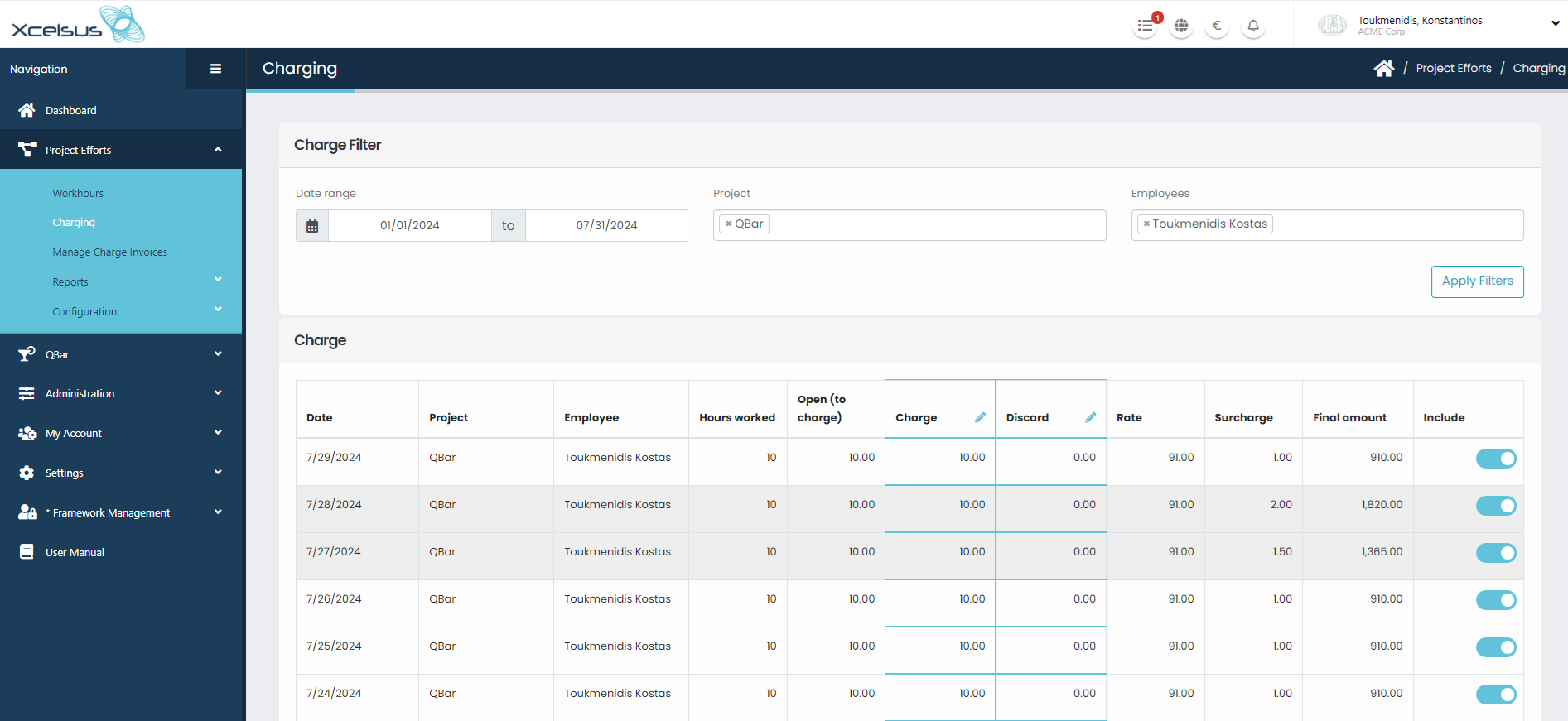
First part of the page “Charge Filter” consists of:
Clicking on “Apply Filters” button results are filtered based on your filters selection.
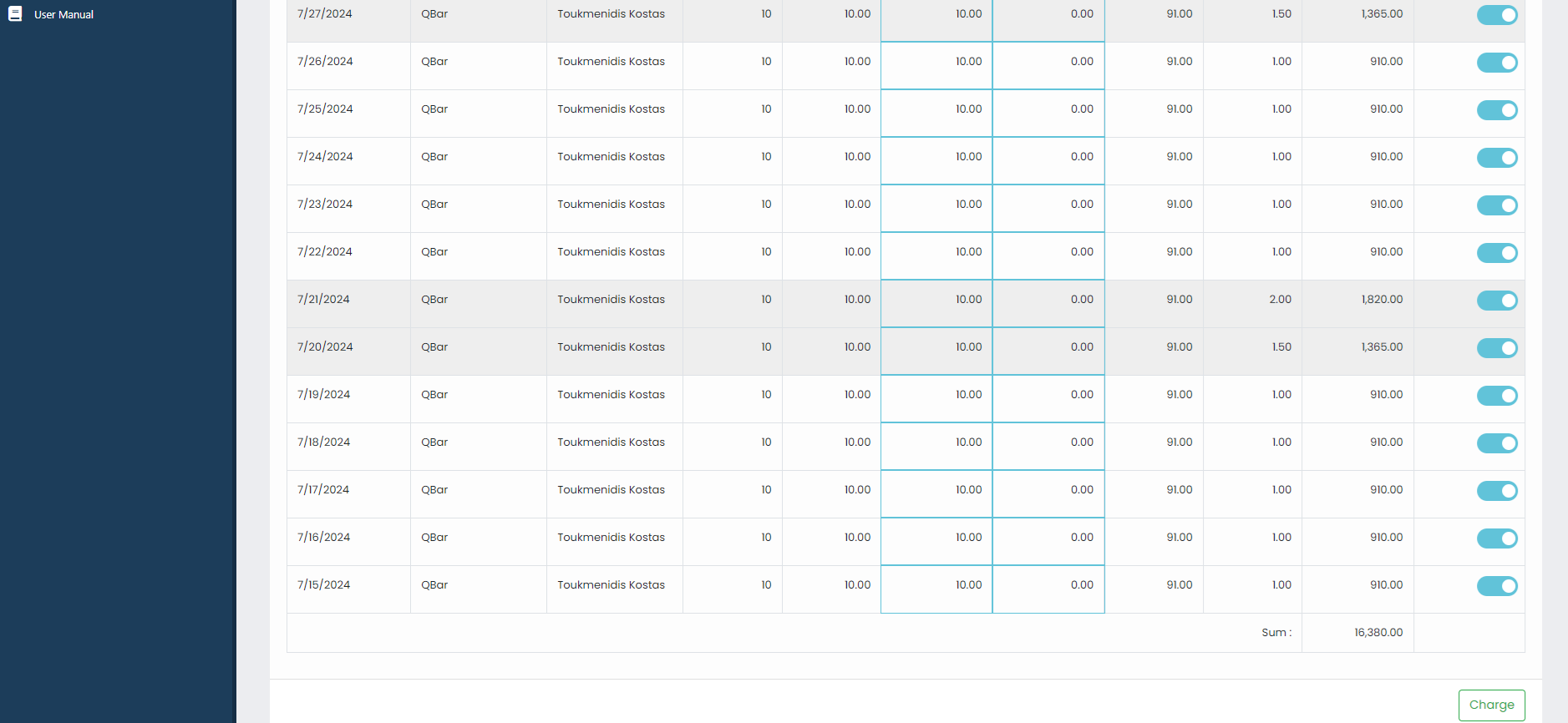
In the second part of the page, “Charge” information about approved workhours are displayed. The user of the page can use columns “Charge” and “Discard” to either charge or discard workhours. “Charge” column’s amount is always preset to the amount of hours that is available for charging (column: “Open to charge”). Each row has a toggle button in the last column. This toggle is always activated by default, if turned off then workhour on that row wont be charged. Finally clicking on the “Charge” button every included workhour will be charged.
Didn't find your answer? Contact Us